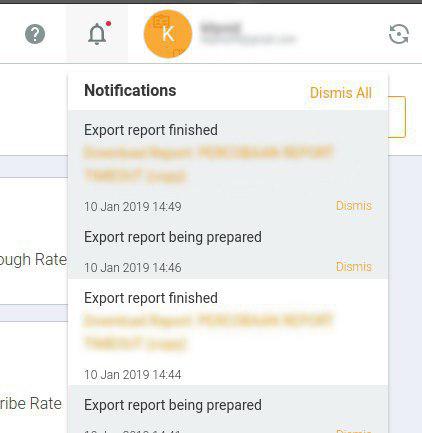
If you experience problems downloading the report, and a notification appears as shown in the image below.
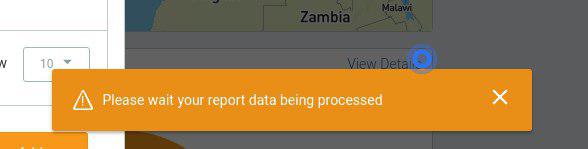
So here is another way to download the report:
- Wait for the process to completely complete, because more data will take quite a long time to process.
- After the process is complete, please click the notification panel, then click the notification indicating that the export is complete to download your report file.