
This email notification setting is useful for sending reports of each of your actions. For example the report in the contact, campaign, payment or subscription. The function of notification emails varies according to each category, so make sure you have enabled notification emails based on what you need.
Please note, in each category of notification emails will have different recipient emails for notification emails.
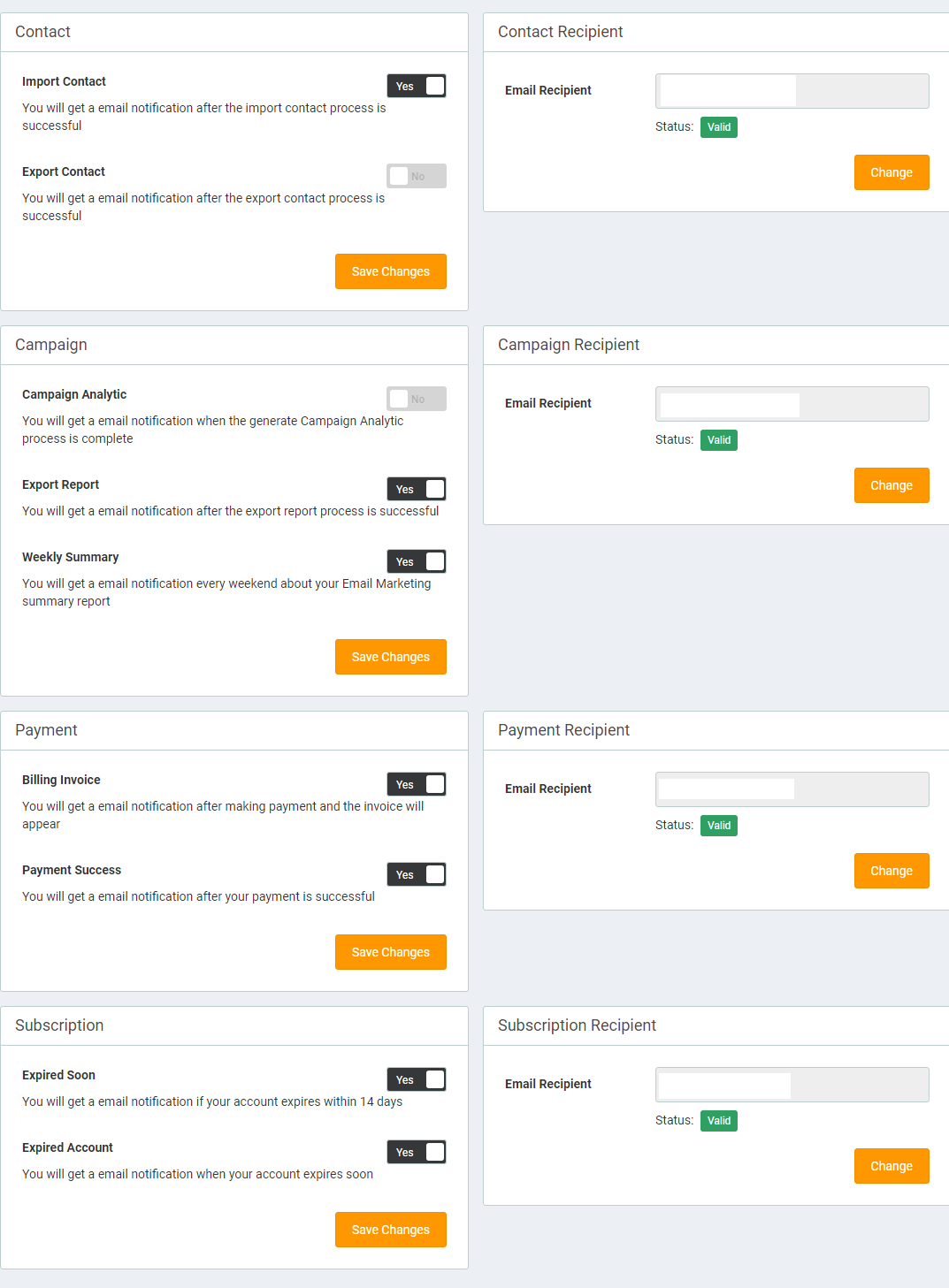
To activate it, follow these steps:
- Select the notification email that you want to activate, then click the "Save Changes" button.
- After that, fill in the recipient email field with the email you want to get the notification email. Here you will do email validation.
- After filling in the email, click the "Change" button. Then you will be asked to validate the email first, because if you do not validate the email then the status of the recipient email will be invalid. This can prevent you from getting email notifications later.
- If the recipient status of the email has become valid, then you will get an email notification for each action you choose.