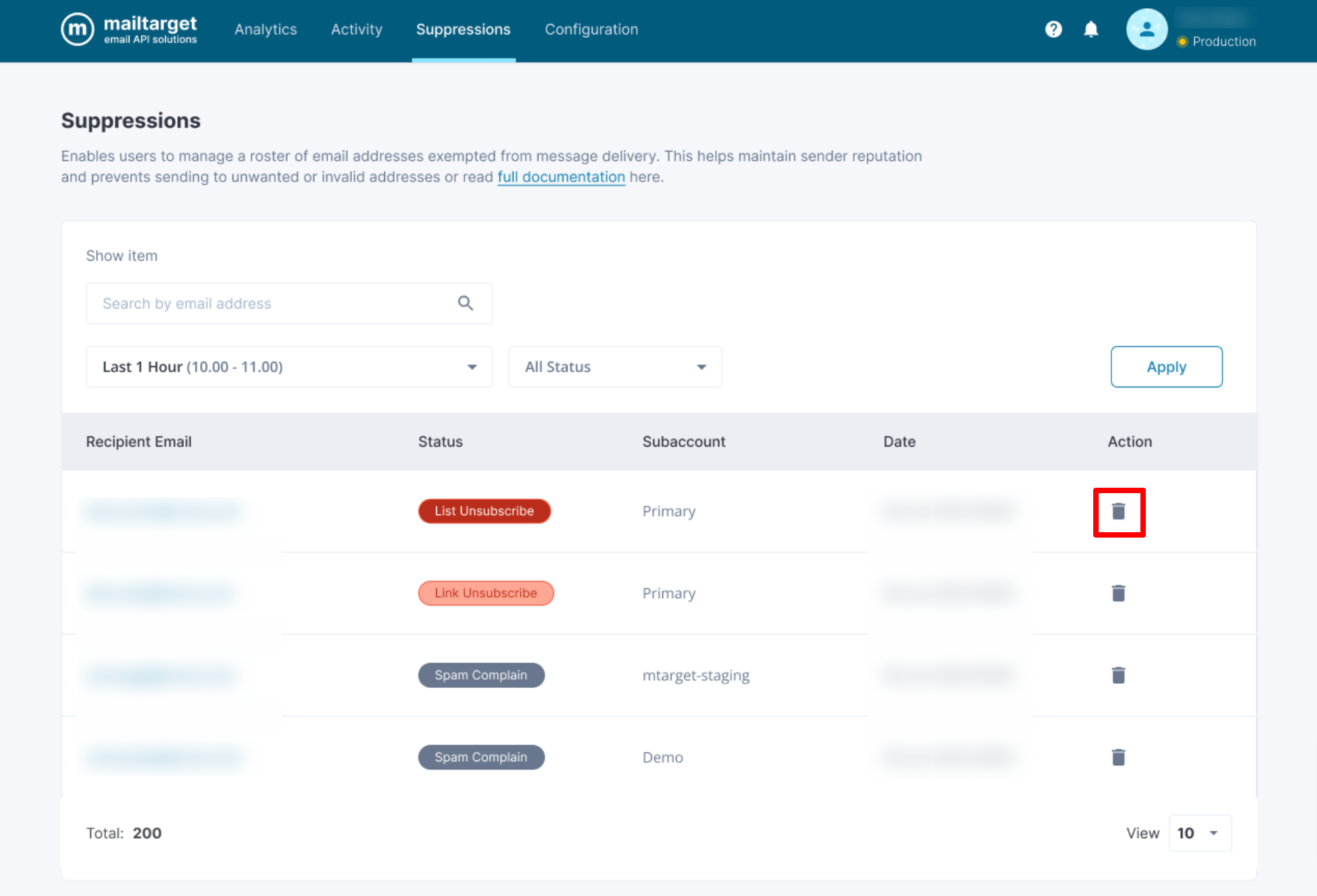
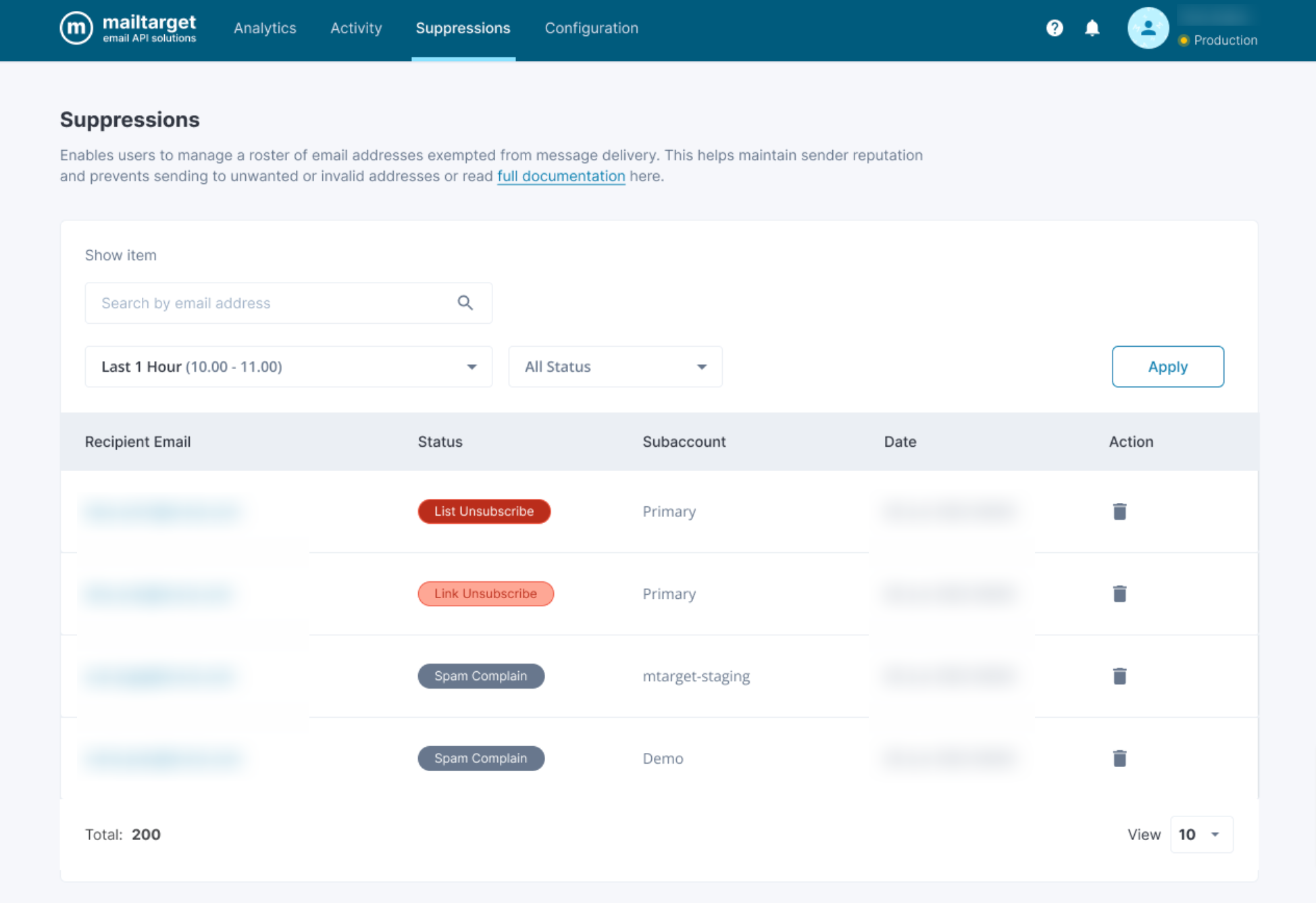
Suppression list is a list of email addresses or other contact information that is excluded or "suppressed" from a specific email transactionals. The purpose of a suppression list is to ensure that certain individuals or entities do not receive specific messages, usually because they have opted out of receiving communications, unsubscribed from a mailing list, or for other reasons such as regulatory compliance.
How to Add Suppression to your email sending
Add transactional:false in optionAttributes. By default, Mailtarget does not send transactional:false when sending emails.
curl --location --request POST 'https://transmission.mailtarget.co/v1/layang/transmissions' --header 'accept: application/json' --header 'Content-Type: application/json' --header 'Authorization: Bearer API_KEY' --data-raw '{
    "bodyText": "Congratulation!, you just sent email with Mailtarget. You are truly awesome!",
    "bodyHtml": "<!DOCTYPE html><html lang=\"en\"><head><meta charset=\"UTF-8\"><title>Hello from Mailtarget</title></head><body><p>Congratulation, you just sent email with Mailtarget. You are truly awesome!</p></body></html>",
    "optionsAttributes": {
        "clickTracking": true,
        "openTracking": true,
        "transactional": false
    },
    "from": {
        "email": "default@sandbox.mailtarget.co",
        "name": "Mailtarget Sandbox"
    },
    "subject": "Example Email",
    "to": [
        {
          "email": "RECIPIENT_EMAIL",
          "name": "RECIPIENT_NAME"
        }
    ]
}'
Remove Recipient from Suppression List
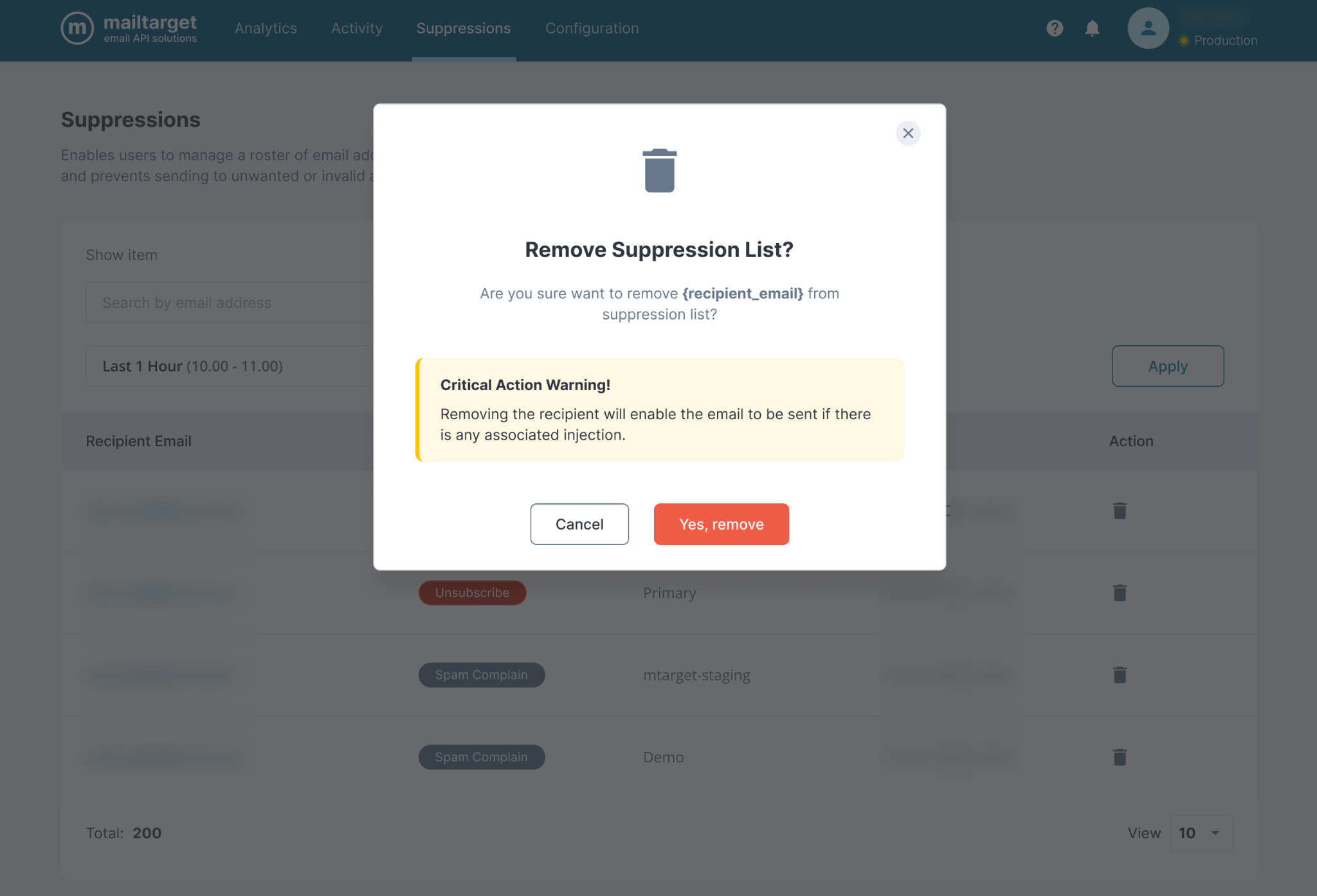
To remove recipient from suppression list, select Delete icon then click Yes, remove. By removing a recipient from the suppression list, the recipient will be able to send emails again.